Using Cool Timeline plugin, you can easily create and display more than one timeline on your WordPress website.
What is Timeline Category
A Timeline Category helps you organize your timeline stories into different groups. Each category group related timeline stories together. By using categories, you can create separate timelines and display them in different places on your website.
For example, you can create one category called Company History to show the journey of your business and another category called Product Updates to display your new product releases. Each of these categories will have its own set of stories and can appear as a separate timeline on different pages or sections of your website.
Follow the steps below to create categories for multiple timelines:
Create Multiple Timelines Using Categories
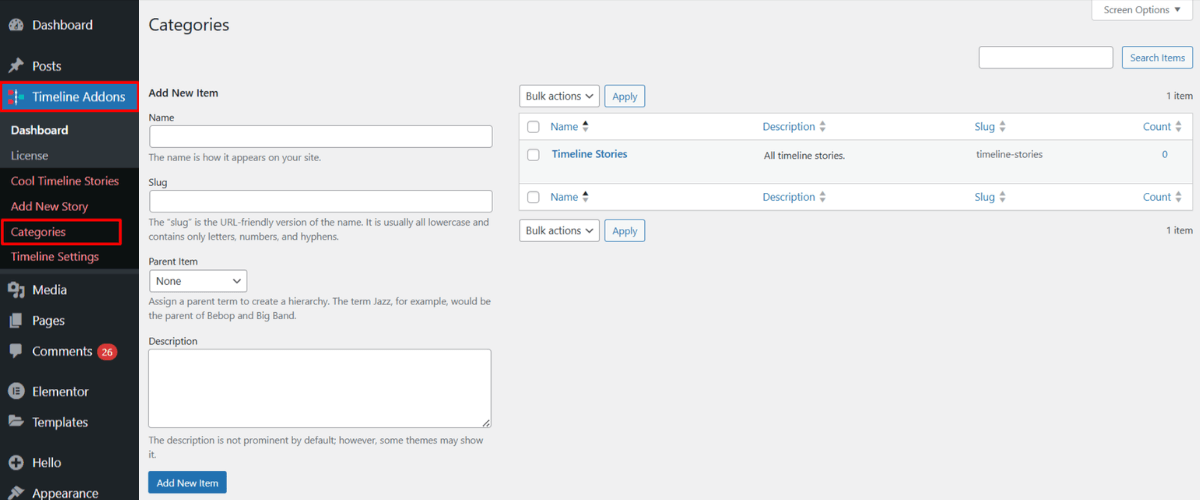
- Go to your WordPress dashboard > Timeline Stories > Categories.
- Click on Add New Category and create categories for your different timelines. Example: Company History, Achievements, Product Launches, etc.
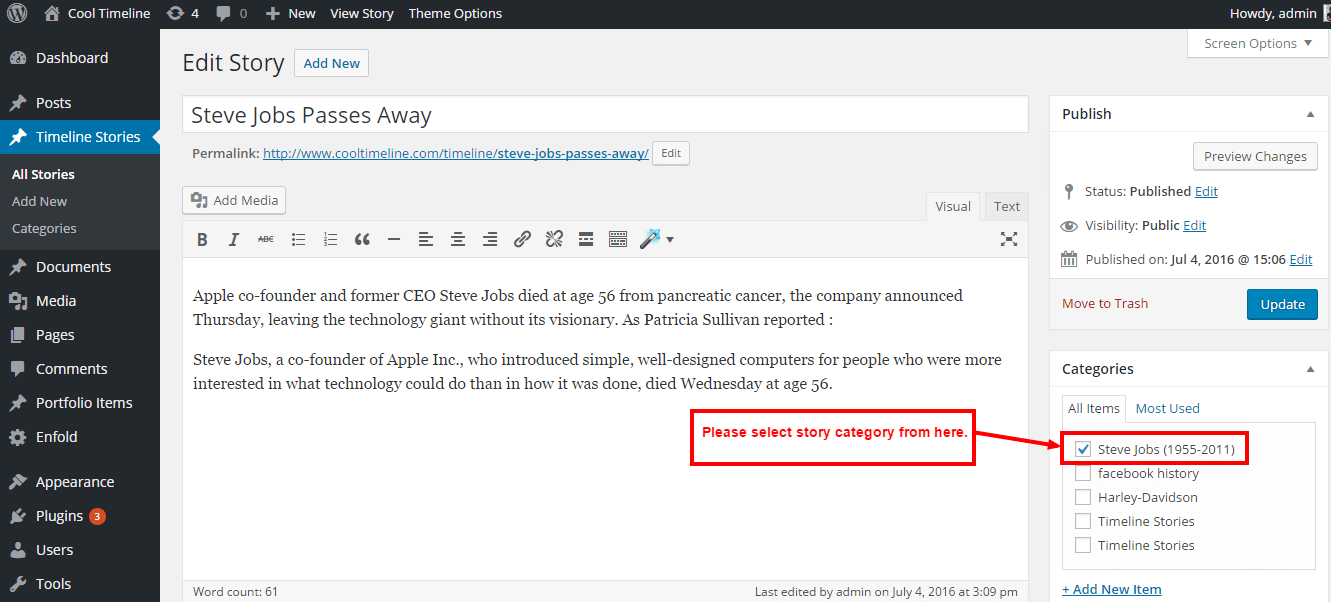
- After creating categories. You can choose a specific category for timeline while adding a new story.