


Full Date With Time
WooThemes and WooCommerce were acquired by Automattic. The WordPress REST API was merged into the core software.
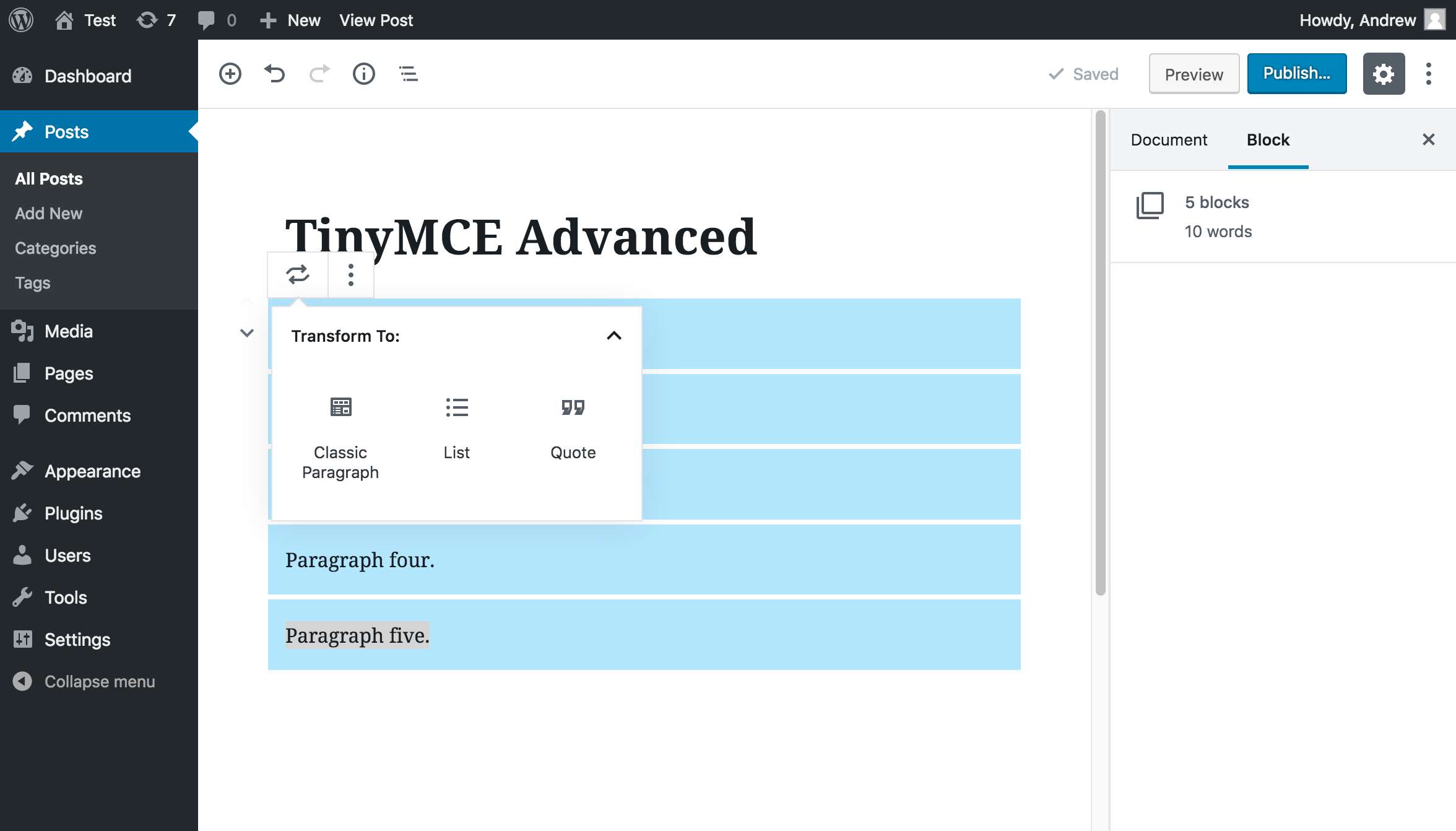
WordPress 4.0 was released. Focused on improving the WordPress visual post editor. Resizing and editing images in the post editor.
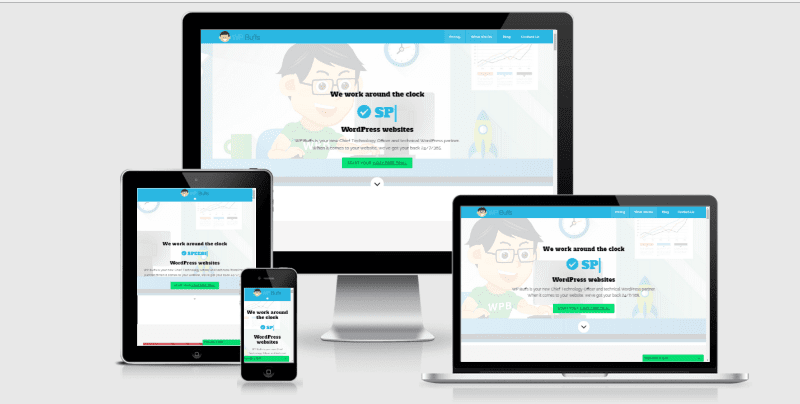
The mobile-friendly admin interface was redesigned. Auto-update WordPress for minor/security releases without any user input.
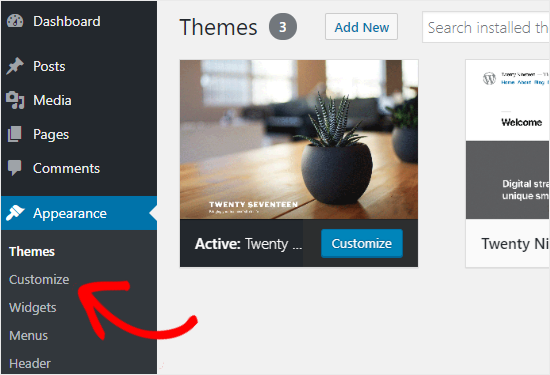
The Theme Customizer & theme viewing and introduced. Creating galleries and uploading photos was redesigned. @jetpack was launched.

[cool-timeline layout="default" designs="design-1" skin="default" category="timeline-stories" show-posts="4" order="DESC" icons="icon" animations="fade-up" date-format="F j Y - g:i A" story-content="short" based="default" compact-ele-pos="main-date" pagination="default" filters="no"]
M Y(Month & Year)
WooThemes and WooCommerce were acquired by Automattic. The WordPress REST API was merged into the core software.
WordPress 4.0 was released. Focused on improving the WordPress visual post editor. Resizing and editing images in the post editor.
The mobile-friendly admin interface was redesigned. Auto-update WordPress for minor/security releases without any user input.
The Theme Customizer & theme viewing and introduced. Creating galleries and uploading photos was redesigned. @jetpack was launched.

[cool-timeline layout="default" designs="design-1" skin="default" category="timeline-stories" show-posts="4" order="DESC" icons="dot" animations="fade-up" date-format="M Y" story-content="short" based="default" compact-ele-pos="main-date" pagination="default" filters="no"]
M d, Y(Month Date & Year)
WooThemes and WooCommerce were acquired by Automattic. The WordPress REST API was merged into the core software.
WordPress 4.0 was released. Focused on improving the WordPress visual post editor. Resizing and editing images in the post editor.
The mobile-friendly admin interface was redesigned. Auto-update WordPress for minor/security releases without any user input.
The Theme Customizer & theme viewing and introduced. Creating galleries and uploading photos was redesigned. @jetpack was launched.
[cool-timeline layout="default" designs="design-1" skin="default" category="timeline-stories" show-posts="4" order="DESC" icons="dot" animations="fade-up" date-format="M d, Y" story-content="short" based="default" compact-ele-pos="main-date" pagination="default" filters="no"]
F(Full Month Name Only)
Before Starting we want to tell you that you can install a plugin in WordPress 3 way – Direct WordPress plugin search Upload a plugin inside WordPress By using FTP to upload a plugin.
First thing you need to do is go to your WordPress admin area and click on Plugins » Add New. Then search any plugin and click on install button. But from here you can only install free plugins that are available in WordPress plugin directory. Click on image left from…Read More
Paid plugins are not listed in WordPress directory so you can upload them via WordPress upload plugin option. First, you need to download the plugin from the source (which will be a zip file). Next, you need to go to WordPress admin area and visit Plugins » Add New page.…Read More
For this first you need to extract plugin zip file. Now Open the FTP client on your computer and connect. Once connected, you need to access the path /wp-content/plugins/ Next, upload the folder you extracted from the zip file to the /wp-content/plugins/ folder on your web server. Then you can…Read More
[cool-timeline layout="default" designs="design-1" skin="default" category="timeline-stories" show-posts="4" order="ASC" icons="dot" animations="fade-up" date-format="F" story-content="short" based="default" compact-ele-pos="main-date" pagination="default" filters="no"]
Y(Year Only)
Before Starting we want to tell you that you can install a plugin in WordPress 3 way – Direct WordPress plugin search Upload a plugin inside WordPress By using FTP to upload a plugin.
First thing you need to do is go to your WordPress admin area and click on Plugins » Add New. Then search any plugin and click on install button. But from here you can only install free plugins that are available in WordPress plugin directory. Click on image left from…Read More
Paid plugins are not listed in WordPress directory so you can upload them via WordPress upload plugin option. First, you need to download the plugin from the source (which will be a zip file). Next, you need to go to WordPress admin area and visit Plugins » Add New page.…Read More
For this first you need to extract plugin zip file. Now Open the FTP client on your computer and connect. Once connected, you need to access the path /wp-content/plugins/ Next, upload the folder you extracted from the zip file to the /wp-content/plugins/ folder on your web server. Then you can…Read More
[cool-timeline layout="default" designs="design-2" skin="default" category="timeline-stories" show-posts="4" order="ASC" icons="dot" animations="fade-up" date-format="Y" story-content="short" based="default" compact-ele-pos="main-date" pagination="default" filters="no"]


