From the Style tab, you can customize fonts, colors, spacing, and padding of all timeline story elements.
- Story Heading: Choose the font style, size, weight, and spacing for story titles, customize the color for your story titles, add space around the story heading block (top, bottom, left, right), or add space inside the story heading box before the text begins.

- Story Description: Set the font and size of the main story content text, select a color for the story content text, and control the outer and inner spacing around the description area.
- Primary Label (Date/Steps): Customize how the date or custom labels (like “Step 1”) appear, and pick a color for this label to match your design.

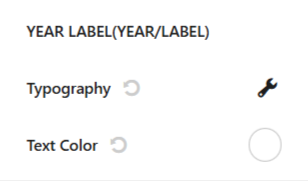
- Year Label (Year/Text): Choose the font settings for the year label shown on the timeline, and set the color of the year label text.