

August 1, 2011
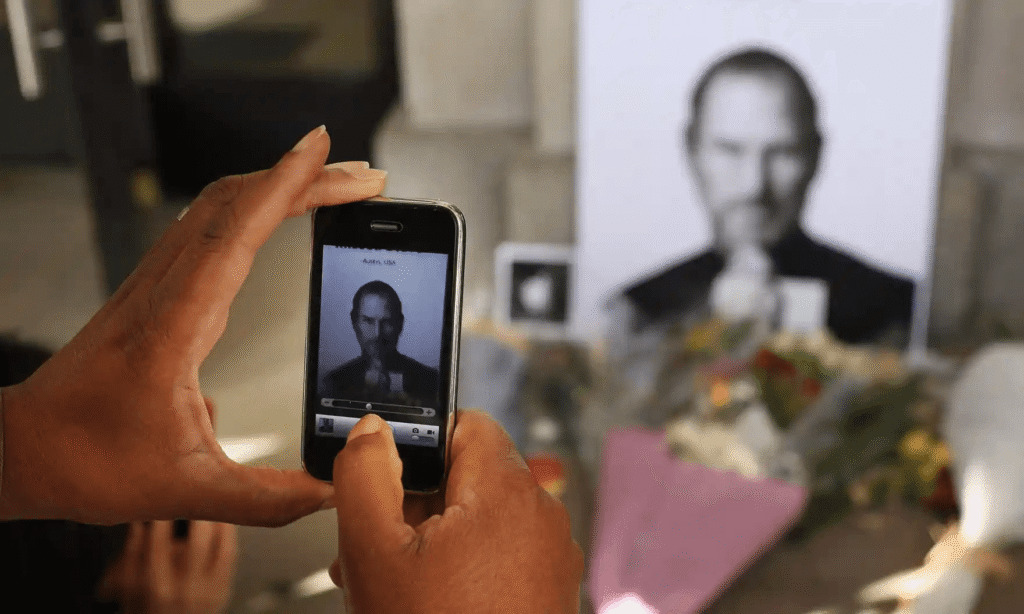
The passing of Apple's visionary founder and driving force, Steve Jobs, marked a profound turning point in the company's history. After a courageous battle with pancreatic cancer, Jobs succumbed at…
August 1, 2010
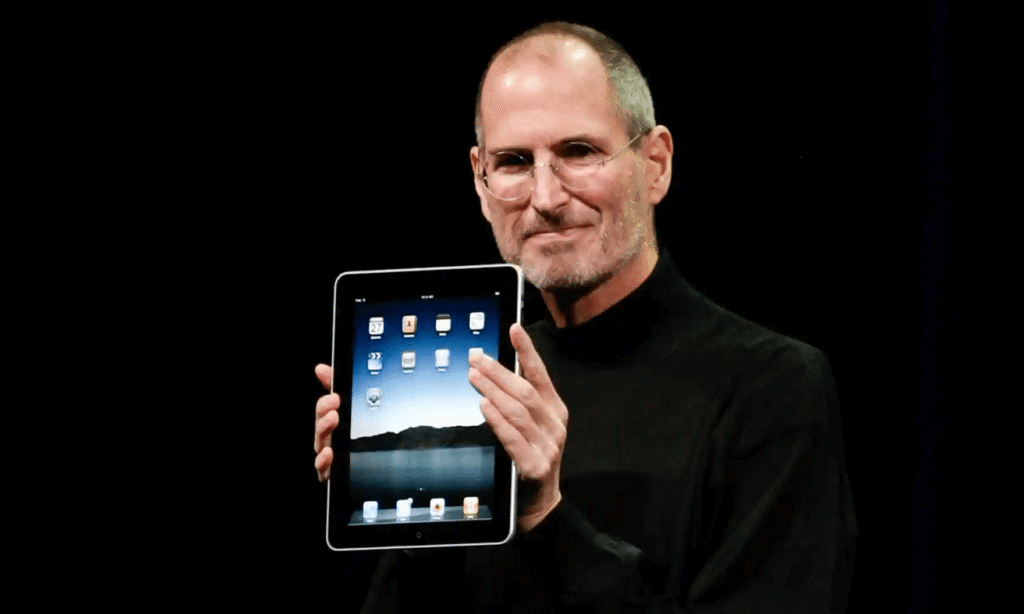
Following the resounding success of the iPhone, Apple set its sights on reinventing tablet computers, envisioning finger-based mobile devices that would blur the lines between traditional PCs and handheld gadgets.…
August 1, 2008

The MacBook Air, a monumental milestone in Apple's laptop lineup, heralded a profound transformation in the world of computing. This visionary device not only pushed the boundaries of Apple's laptops…
August 1, 2007
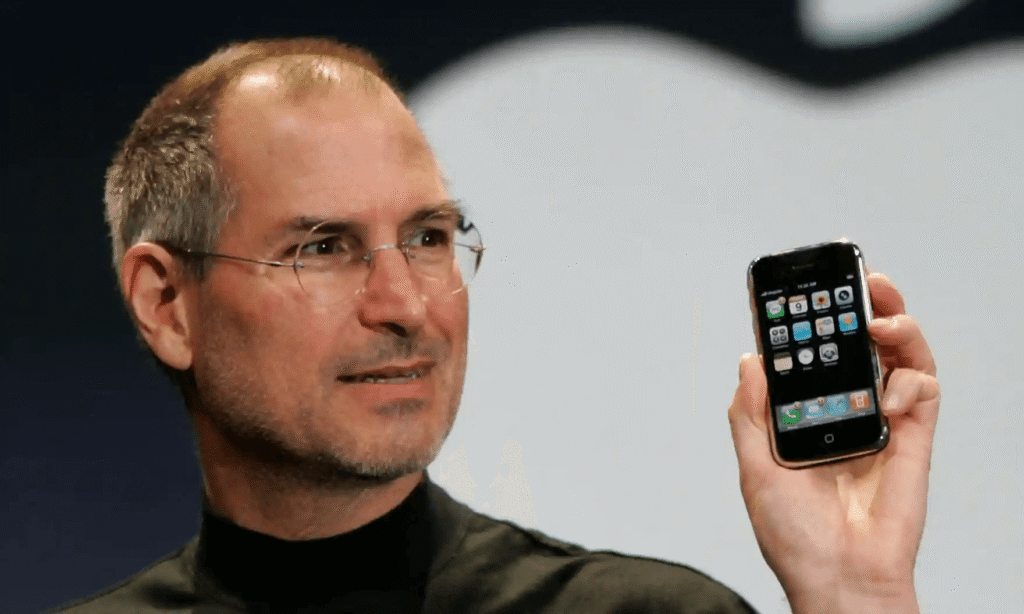
The launch of the iPhone in the wake of the iPod's success marked a transformative moment for Apple, catapulting the company into an entirely new age of innovation and dominance.…
August 1, 2006
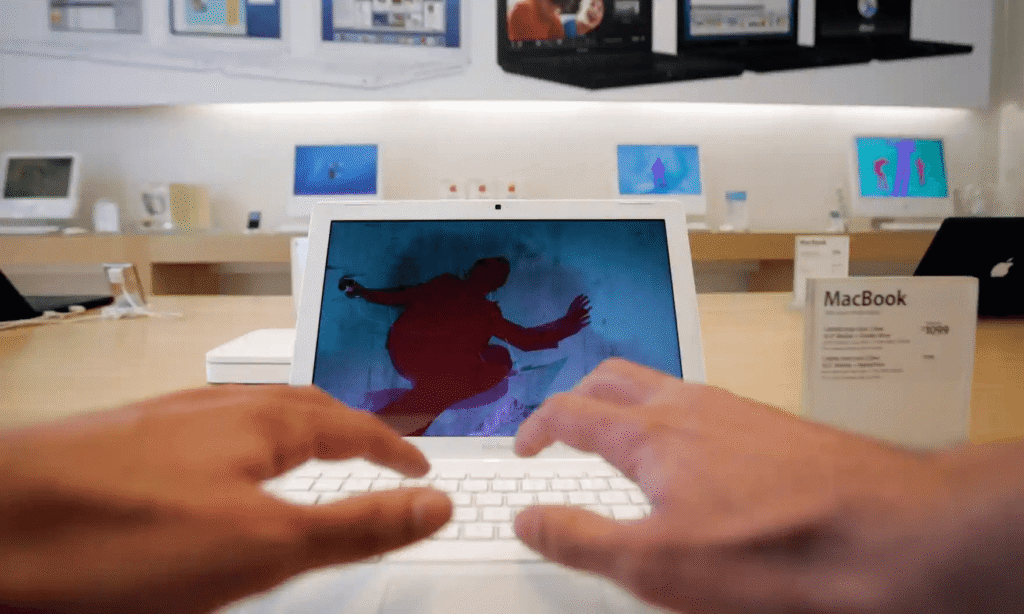
In a historic move, Apple bid farewell to its PowerPC processors and embraced the faster, more energy-efficient x86 chips from Intel in 2006. This transition marked a pivotal moment in…
August 1, 2001
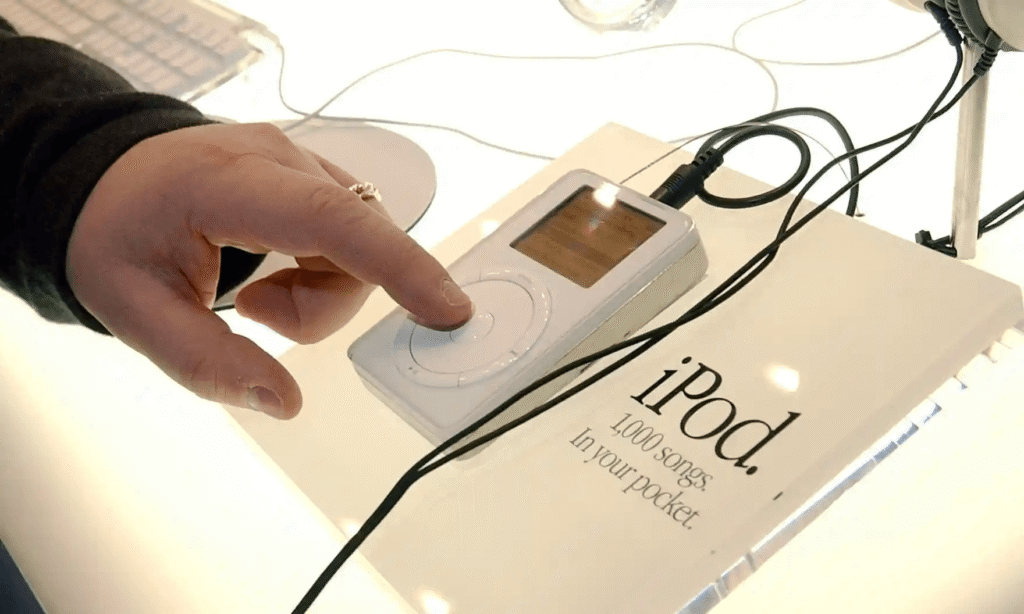
The iPod, born in 2001, was the catalyst that reshaped Apple's trajectory, transforming it from a computer company into a global leader in devices. While not initially revolutionary, the iPod…
August 1, 2001
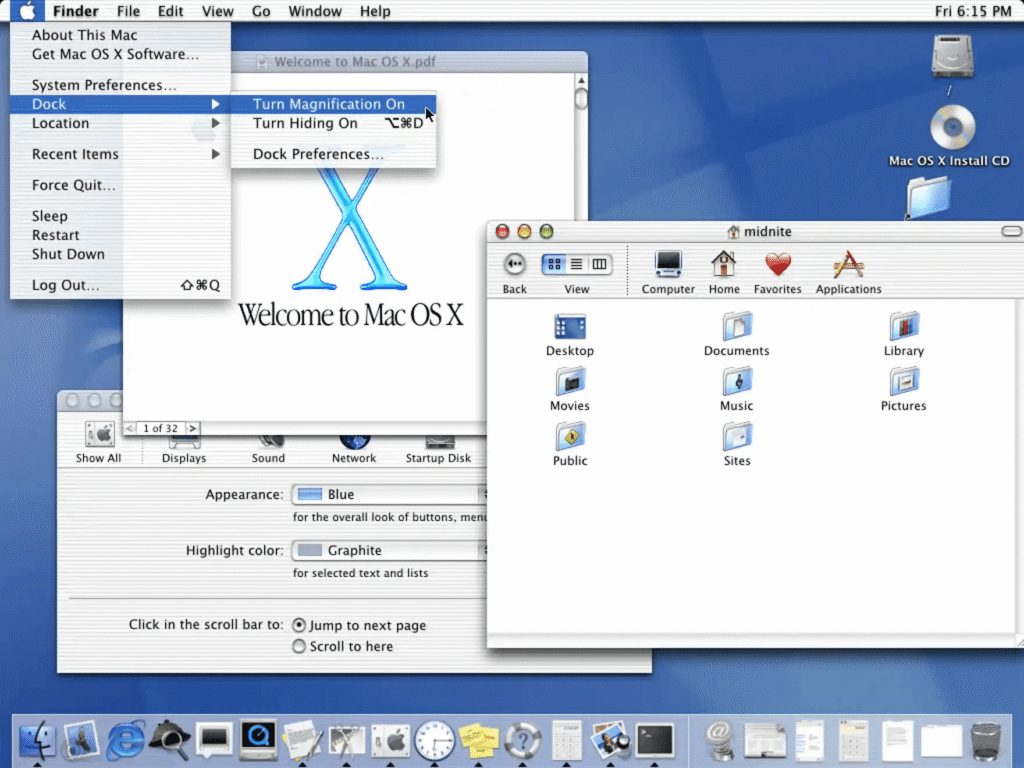
In a bold and decisive move, Apple made history with the launch of OS X 10.0 Cheetah, completely discarding its legacy operating system to embrace a new and incompatible version.…
5 July
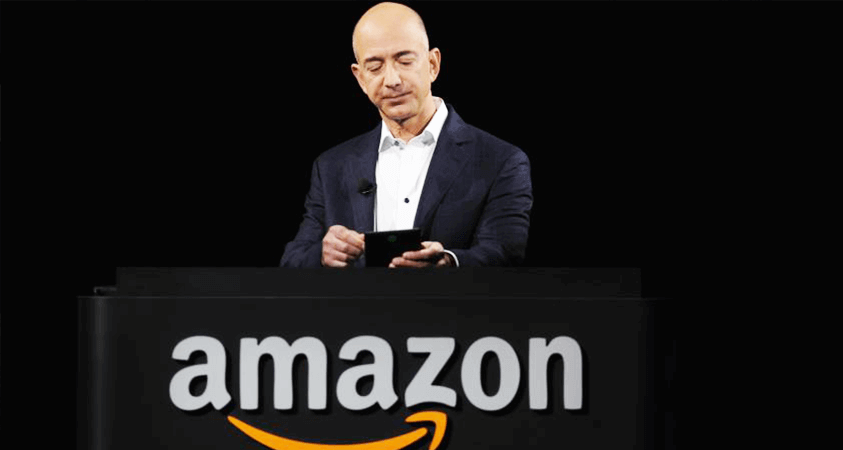
Amazon, founded by Jeff Bezos in July 1994, started as an online bookstore. It quickly expanded into a global e-commerce giant, offering a vast range of products and services, including cloud computing, digital streaming, and artificial intelligence, revolutionizing the retail industry.
27 April

In 1998, Amazon acquired IMDb, the Internet Movie Database, enhancing its media resources. IMDb provides a wide range of information on movies, TV shows, and celebrities, becoming a crucial component of Amazon's digital offerings, supporting its goal to enrich entertainment content and customer engagement.
27 May
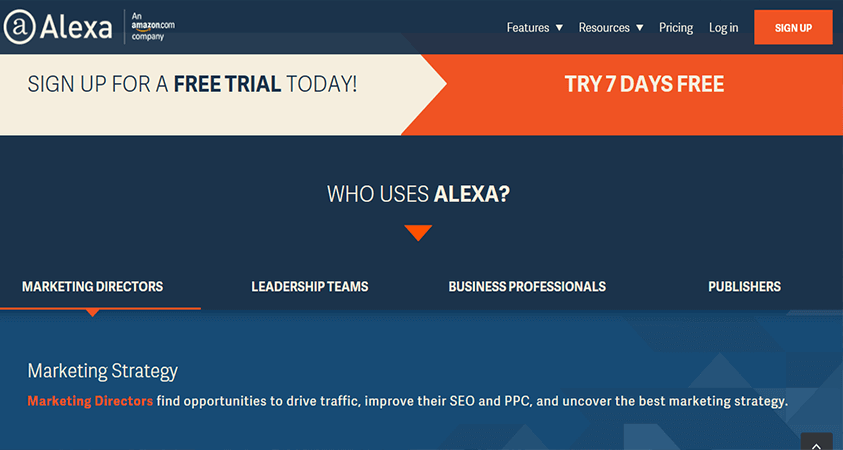
Amazon acquired the smart assistant Alexa, integrating advanced voice recognition technology into its network. Alexa powers devices like the Echo, enabling users to control smart home gadgets, play music, and get information through voice commands, revolutionizing home automation and convenience.
7 September
Amazon Prime offers members benefits like two-day free shipping, access to streaming services (Prime Video and Music), exclusive deals, and more. Launched in 2007, it enhances shopping and entertainment experiences with fast delivery, a vast content library, and additional perks.
25 September

In September 2007, Amazon announced the launch of Amazon Music, a streaming service offering millions of songs and organized playlists. With features like ad-free listening and offline playback, it enhances the music experience for users, expanding Amazon's digital entertainment offerings.
19 November
Amazon Kindle was introduced in 2007 and it revolutionized reading by offering a portable e-reader with access to millions of books. With features like adjustable text size, built-in dictionary, and long battery life, Kindle provides a convenient and engaging reading experience for book lovers everywhere.
1 August
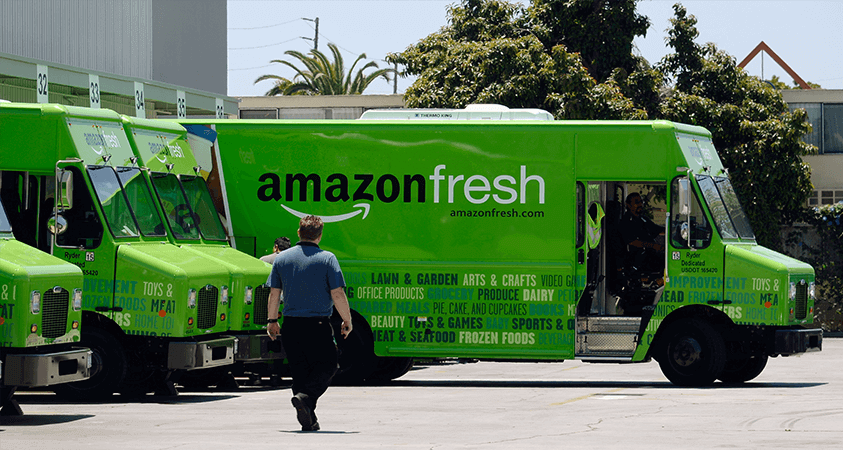
In August 2007, Amazon announced Amazon Fresh Pickup, a service allowing customers to order groceries online and pick them up from designated locations. This service aims to combine the convenience of online shopping with the quickness of local pickup, enhancing the grocery shopping experience.
22 March
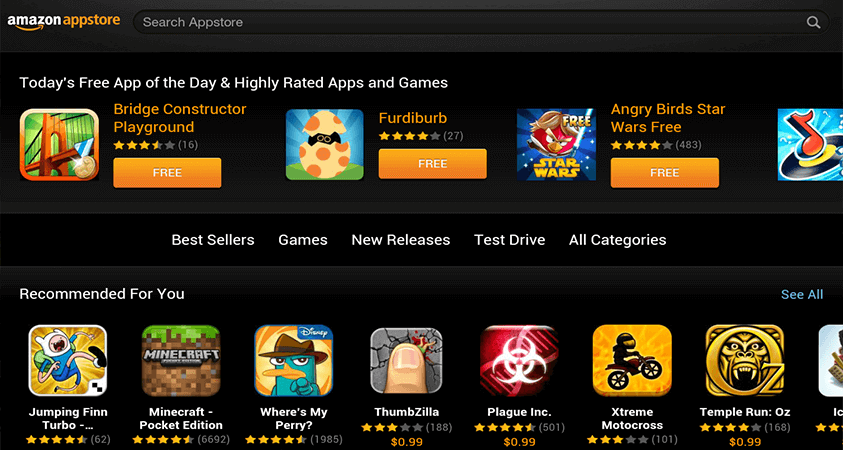
In March 2011, Amazon launched its Appstore, offering a wide range of apps and games for Android devices. The Appstore provided a new platform for developers and introduced features like the "Free App of the Day," enhancing user experience and expanding Amazon's digital ecosystem.
19 March

In March 2012, Amazon acquired Kiva Systems, a company specializing in robotic automation for warehouses. This purchase aimed to enhance Amazon's fulfillment centers with advanced robotics, improving efficiency and speed in order processing and delivery, ultimately boosting Amazon's capability to handle larger volumes of orders.
1 July

In 2012, Amazon bought Goodreads, a popular book recommendation site. This purchase aimed to connect Goodreads' large community of readers with Amazon's book store, making it easier for users to find, recommend, and buy books worldwide.